XPARTCO
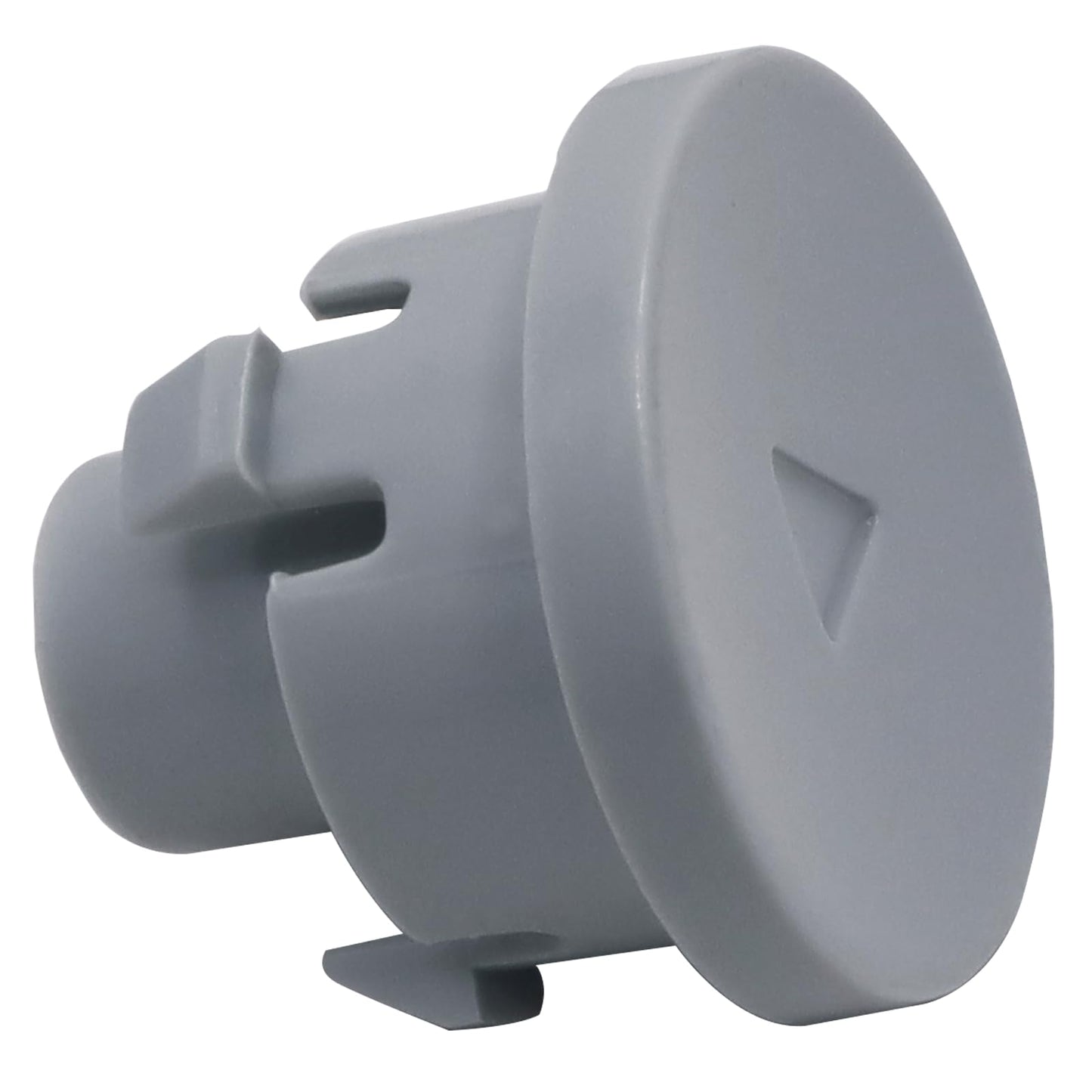
XPARTCO WE04X24719 Dryer Start Button AP6034220, PS11766637
XPARTCO WE04X24719 Dryer Start Button AP6034220, PS11766637
Couldn't load pickup availability
XPARTCO WE04X24719 Dryer Start Button – Compatible with GE Dryers
Product Description
Restore dependable operation with the WE04X24719 Dryer Start Button. This replacement button allows you to start and control drying cycles. A worn, cracked, or unresponsive button can prevent the dryer from starting or make operation difficult. Replacing it with this replacement button ensures smooth function and reliable performance.
Replaces Part Numbers
WE04X24719, AGE24894, AP6034220, EAP11766637, 4587500, PD00046802, PS11766637
Compatibility
This start button is compatible with select GE dryers.
Example compatible models include (but are not limited to): GE GTD42EASJ2WW, GE GTD65EBSJ3WS, and GE GTD45EASJ2WS.
Always verify your dryer’s model number before ordering. Contact our support team if you’re unsure.
Key Features
-
Reliable Replacement – Reliable aftermarket replacement for GE dryer start button
-
Reliable Operation – Restores start functionality for dryer cycles
-
Cost-Effective Fix – Affordable way to replace a worn or broken button
-
Quick Installation – Installs in minutes with basic tools
-
Fixes Common Issues – Resolves unresponsive, cracked, or missing start button problems
Product Specification
- Part Number: XPWE04X24719
- Component Type: Dryer Start Button
- Material: Durable plastic construction
- Mounting: Snap-in design, direct replacement
- Operating Conditions: Residential dryer use
Installation Notes
Tools Needed: Phillips screwdriver, flathead screwdriver (if needed)
⚠️ Safety First: Always unplug dryer before starting repairs to avoid electrical shock.
Steps:
- Unplug dryer and locate control panel.
- Remove panel screws to access start button assembly.
- Release old button from mounting clips.
- Insert new WE04X24719 button into slot until it clicks securely.
- Reassemble control panel and restore power.
- Test dryer to ensure button works correctly.
Time Required: 10–15 minutes
Share